
Digital Legacy
Your digital life
doesn't end
with you
Protect your digital assets. Stop subscription drain. Preserve irreplaceable memories.

$219/mo
average subscription spend that doesn't stop at death
100+
online accounts the average person has
$140B
in Bitcoin permanently lost due to inaccessible keys
The Subscription Trap
When someone dies, their subscriptions don't stop. No service — Netflix, Adobe, Spotify — is automatically notified. During probate (6–18 months in the US, 3–12 months in Europe), charges keep going. The average family loses $1,300–$3,900to forgotten subscriptions. 42% of people have subscriptions they've already forgotten about.
How it works
Two tools to organize your digital estate
Answer simple yes/no questions. Download personalized forms. Fill them in on your own time. No passwords or credentials are ever entered — documents only reference WHERE your credentials are stored, never the credentials themselves.

Digital Shutdown
Every subscription, recurring charge, email account and online banking access your family will need to manage. The average estate loses $1,300–$3,900 to forgotten subscriptions during probate.

Digital Memory
Map where your photos, videos, voice messages, and personal writing are scattered — across cloud services, devices, hard drives, and old phones in drawers.
Crypto, digital wallets and online income now live in your Asset Workbook — alongside real estate, bank accounts and retirement plans, where they belong.
Three-layer security
- 1
Your Will / Trust
Contains only a reference: “My digital inventory is in the home safe. My digital executor is Jane.”
- 2
Digital Inventory (our output)
Full catalog of accounts and assets — but NO passwords. Only references to where credentials are stored.
- 3
Password Manager
Your actual credentials, with Emergency Access enabled for your designated person.
Browser-first, encrypted when saved
- ✓No passwords or credentials ever entered
- ✓Documents generated in your browser
- ✓Downloaded directly to your device
- ✓Signed-in saved inventories are encrypted before storage
- ✓Public use can stay tab-only
Learn more
Related articles

'Mom, It's Me — I'm in Trouble' Is Now a $2.3 Billion Scam. The Five-Minute Family Plan That Stops It.
AI voice cloning scams cost families $2.3 billion in 2026 alone. The FBI says the average call lasts under three minutes. Here is the family safe word, the verification protocol, and the five sentences that protect your parents tonight.

The AI Version of You Needs Instructions, Too
Voice clones, AI avatars, and posthumous social media bots are turning identity into an estate-planning question. Families need clear consent rules before grief meets technology.

The Man With $700 Million in Bitcoin Who Cannot Open His Own Drive
Stefan Thomas was paid 7,002 Bitcoin in 2011 for a short YouTube video. He wrote the password down. He lost the paper. Two attempts left. His story is the most photographed cautionary tale in crypto, and almost nobody draws the right lesson from it.

Your Will May Not Unlock Your Digital Life
A modern estate plan needs more than a clause about digital assets. Platform legacy tools, executor authority, passwords, and family instructions have to work together.

Google Has a Feature That Protects Your Family. Almost Nobody Uses It.
Ten minutes of setup, and your loved ones are not left alone with a locked Google account that holds twenty years of photos, the conversation with the bank, and access to everything else.
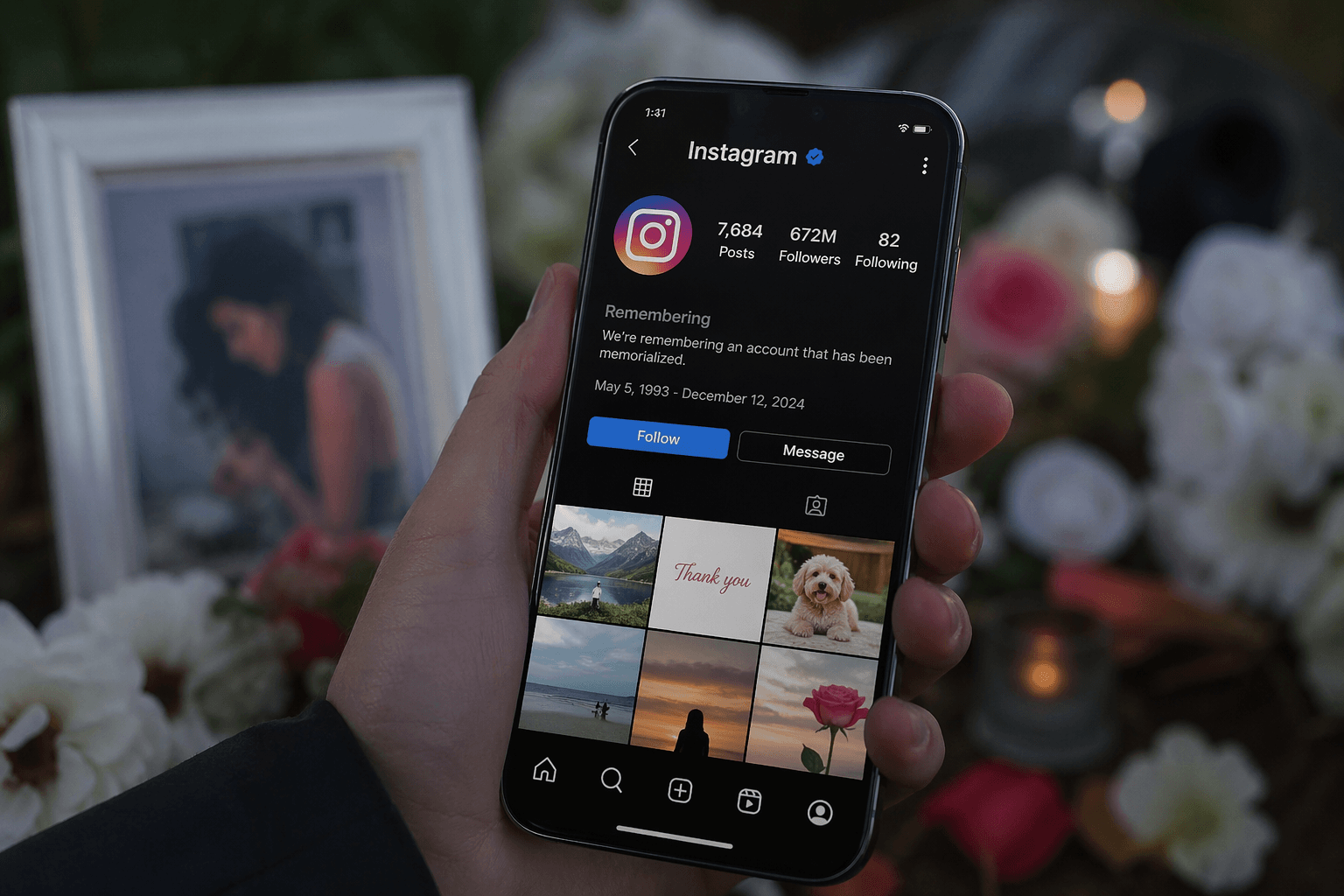
You Built Your Instagram for Years. Your Family Still May Not Inherit It
Instagram doesn't transfer to your family the way a bank account does. What actually happens to your account — and your audience, your clients, and your revenue — when you're no longer here.
Frequently Asked Questions
What is digital legacy planning?
Organizing your digital life — valuable accounts, subscriptions, and memories — so your family can access what matters, cancel what drains money, and preserve what is irreplaceable.
Do I need to enter my passwords?
Never. Our documents only record WHERE your passwords are stored (e.g., “in 1Password” or “sealed envelope in home safe”) — never the passwords themselves.
What happens to subscriptions after someone dies?
They keep charging. No service is automatically notified. During probate (6–18 months), forgotten subscriptions can drain $1,300–$3,900+ from an estate.
What about cryptocurrency?
20% of all Bitcoin ($140B+) is permanently lost due to inaccessible private keys. Our Digital Vault documents where keys are stored — without ever typing them online.
How is my information protected?
Documents are generated in your browser. You never enter passwords or credentials. If you sign in, saved inventories are encrypted before they reach our servers.